Mastering Visual Narrative with the Ink Google Slides Template
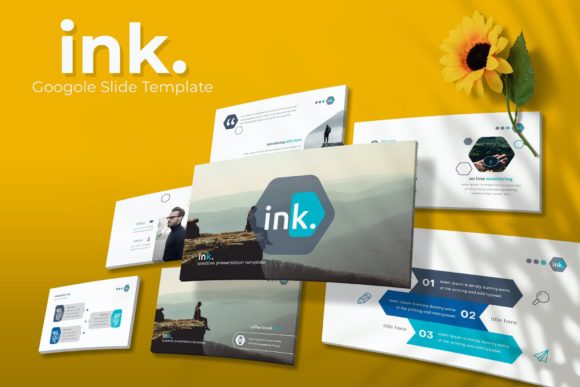
Every presentation is a story, and the Ink Google Slides Template is a sophisticated narrative toolkit designed for professionals who demand more than just static text and bullet points. It’s a comprehensive design system that transforms standard slide decks into compelling visual experiences. With over 150 handcrafted slides, five distinct premade color schemes, and a suite of fully editable graphics, this template moves beyond basic functionality to become a cornerstone of your creative workflow. Whether you're pitching a client, launching a product, or outlining a complex strategy, the structure and aesthetic of your slides fundamentally shape how your audience receives your message. Ink provides the canvas and the brushes, allowing your content to take center stage with clarity and style.
A Foundation Built on Flexibility and Polish
What immediately sets the Ink template apart is its commitment to professional versatility. The package includes five separate, color-coordinated PPTX files, each containing 30 meticulously designed slides. This isn't about simply changing a background hue; each color variation is a fully realized aesthetic direction, from bold and energetic palettes to more subdued, corporate-friendly tones. This built-in variety allows you to instantly align your presentation with a specific brand identity, campaign mood, or audience expectation without spending hours on manual customization. The foundation is the Master Slide architecture, ensuring that every element—fonts, colors, shapes, and placeholders—remains consistent and easy to update across your entire deck. This pixel-perfect approach guarantees that whether you're presenting on a massive conference screen or a laptop during a video call, your visuals remain crisp and professional.
Practical Applications for the Modern Creative
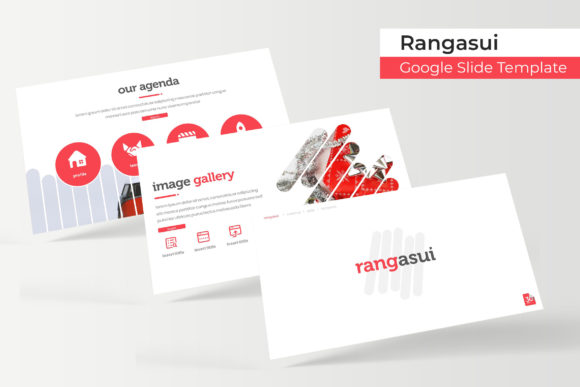
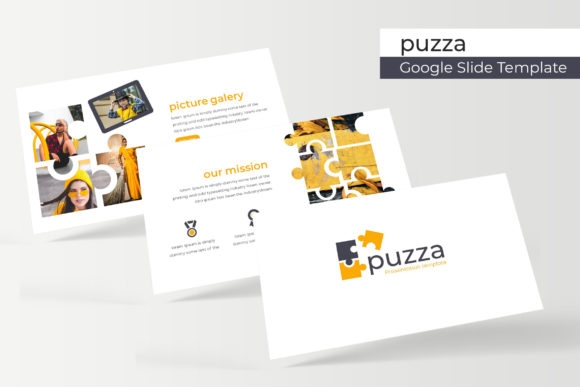
The true value of a premium asset like this is measured by its utility across diverse projects. The Ink Google Slides Template is engineered for the multifaceted roles of today's designers, entrepreneurs, and marketers. Consider its application in building a cohesive brand identity. You can use the gallery and portfolio slides to showcase visual assets, the handcrafted infographics to simplify data storytelling, and the section break slides to structure a compelling brand narrative. For marketing professionals, the template becomes a powerful tool for creating persuasive sales decks, detailed campaign post-mortems, or engaging social media content calendars. The resizable and editable graphic placeholders, complete with drag-and-drop functionality, mean you can seamlessly integrate your own photography, product shots, and illustrations, making every presentation feel uniquely yours. It’s equally adept for internal use, such as training manuals, project kickoffs, and quarterly reports, ensuring internal communications carry the same visual weight as external ones.
Design Details That Enhance Communication
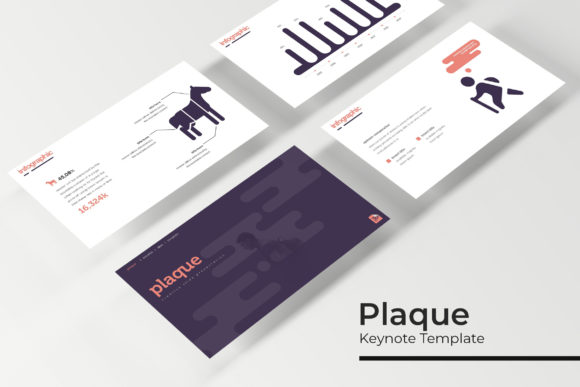
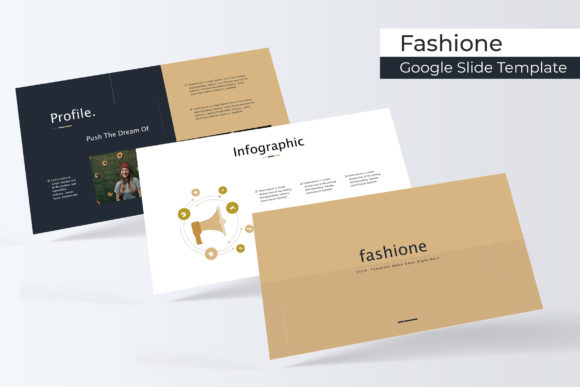
Effective design is in the details, and Ink pays close attention to the elements that facilitate clear communication. The inclusion of dedicated gallery and portfolio slides is a direct acknowledgment of the needs of visual storytellers—photographers, architects, artists, and designers who need to let their work speak. The handcrafted infographics are not just decorative; they are functional tools for breaking down processes, illustrating timelines, and presenting statistics in a digestible format. This focus on utility extends to the typography. While the template itself is a visual asset, it encourages thoughtful font pairing. You can pair a clean, modern sans-serif for body text with a more distinctive display font for headings, a practice that enhances readability and visual hierarchy. The "Readme First" file and included font download links are thoughtful touches that streamline the setup process, removing a common friction point and allowing you to start creating immediately.
Streamlining Your Creative Process
For the busy small business owner or content creator, time is a critical resource. A template like Ink acts as a force multiplier, providing a professional starting point that drastically reduces production time. Instead of designing slide layouts from scratch, you can focus your energy on refining your core message and strategy. The consistent structure across all 150+ slides ensures visual consistency, which is paramount for brand recognition. When your quarterly reviews, client pitches, and product launches all share a unified visual language, you build a stronger, more memorable brand presence. This consistency also extends to your wider marketing assets. The design language within Ink can inspire or be directly adapted for related materials like social media graphics, website banners, or even print collateral, creating a seamless visual ecosystem for your audience.
Making the Right Choice for Your Project
When integrating any new design asset, a strategic approach yields the best results. Begin by reviewing all five color variations to select the one that best aligns with your project's goal and existing brand guidelines. Experiment with the included slide types—don't just use the standard content slides; leverage the unique section breaks and portfolio layouts to add rhythm and emphasis to your presentation. Always test your text for readability on different devices, ensuring your chosen font pairings work well at various sizes. Remember that the photographs used in preview materials are for illustration; the power lies in the editable frameworks you populate with your own content. Finally, for commercial projects, it's always prudent to verify the licensing terms to ensure your usage is fully compliant, allowing you to use this creative font and template system with complete confidence. Ultimately, the Ink Google Slides Template is more than a collection of slides; it's a strategic asset for anyone serious about elevating their visual communication.