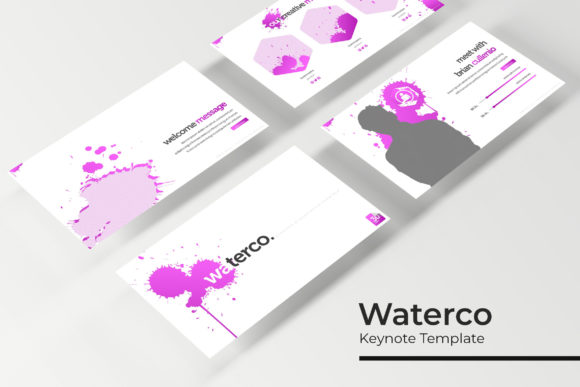
Streamline Your Presentations with the Waterco Keynote Template
As professionals, we often find ourselves trapped in a cycle of "presentation paralysis"—spending hours aligning text boxes, resizing images, and trying to make default templates look unique. Whether you are a startup founder pitching to investors, a marketer presenting quarterly results, or a creative agency showcasing a portfolio, the visual consistency of your slides speaks volumes about your attention to detail. This is where a robust design asset like the Waterco Keynote Template comes into play, offering a solution that bridges the gap between professional aesthetics and practical functionality. It’s not just about having slides; it’s about having a cohesive visual language that enhances your message rather than distracting from it.
Why 150+ Slides Matter for Modern Visual Communication
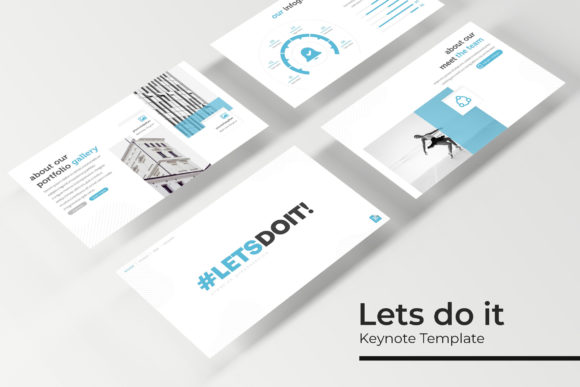
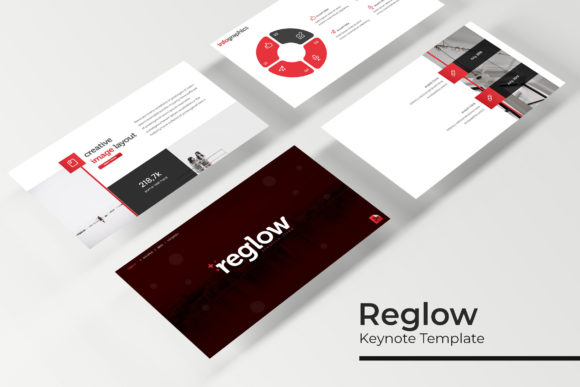
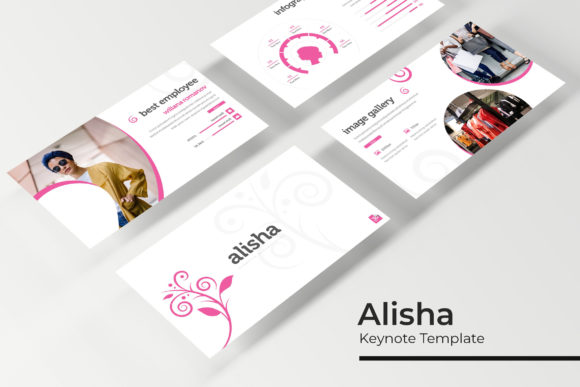
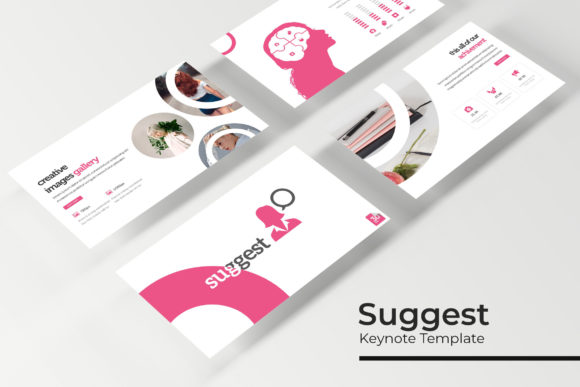
When you open a presentation template, the sheer volume of content can be overwhelming, but the Waterco Keynote Template manages this complexity through intelligent organization. With over 150 total slides, this package is designed to handle virtually any narrative arc you need to construct. The structure is built around 30 unique slides per template, multiplied across five distinct color variations. This approach ensures that you aren't just getting a single static design, but rather a flexible system that adapts to different moods and brand guidelines.
For small business owners, this variety is crucial. You might need a calm, blue-toned presentation for a financial report one week and a vibrant, high-energy red layout for a product launch the next. By including five premade color schemes, the Waterco template allows you to maintain the same structural familiarity while completely shifting the visual tone. This consistency in layout—combined with variety in color—helps in reinforcing brand recognition. Your audience learns to recognize your structural patterns, making the information easier to digest, while the fresh color palettes keep the visual experience engaging.
Infographics and Data Visualization: Turning Numbers into Stories
One of the most challenging aspects of presentation design is data visualization. We have all seen slides cluttered with confusing charts and tiny text. The Waterco Keynote Template addresses this by incorporating handcrafted infographics that are fully editable. These aren't generic clip-art graphs; they are designed to be visually intuitive, allowing you to present complex data sets in a way that tells a story.
For marketers and content creators, the ability to present data visually is a superpower. Instead of listing statistics in bullet points, you can use the included infographics to show growth, comparison, or workflow. Because these graphics are vector-based and editable, you can adjust them to fit specific metrics without losing resolution. This pixel-perfect quality ensures that whether you are projecting onto a massive conference screen or sharing a PDF on a laptop, the lines remain sharp and the text remains legible.
Practical Design Features: Efficiency Meets Aesthetics
Time is a non-renewable resource, and the Waterco Keynote Template is built with efficiency in mind through its use of Master Slides. For those unfamiliar, Master Slides act as the "source code" of your presentation. By editing the Master, you can make universal changes to fonts, logos, or layouts across all 150+ slides instantly. This is particularly useful for agencies or freelancers managing multiple clients. You can quickly swap out a logo or adjust a color palette in the Master Slide and watch the entire deck transform to match the new brand identity.
Furthermore, the template includes resizable and editable graphic placeholders. This drag-and-drop functionality is a game-changer for those who may not be advanced graphic designers. You don't need to manually crop images to fit specific frames; the placeholders do the heavy lifting. This ensures that your images maintain their aspect ratios and alignment, contributing to that "pixel-perfect" look that distinguishes amateur work from professional design assets. The inclusion of Section Break Slides also helps in organizing your content, providing visual breathing room for your audience and signaling a shift in topic.
Beyond the Slides: Versatility in Application
While the primary function is presentation, the components of the Waterco Keynote Template offer value across various creative applications. The Gallery and Portfolio slides, for instance, are not limited to corporate pitches. Creatives, such as photographers, interior designers, or illustrators, can utilize these layouts to create stunning digital lookbooks or client proposals.
Consider the broader implications for your brand identity. The clean, modern typography and structured layouts serve as a foundation for other design assets. You can export specific slides as high-quality images to use as social media graphics on Instagram or LinkedIn. The consistent style helps in maintaining a unified aesthetic across your digital presence. For bloggers and educators, the template can be adapted to create webinar visuals or digital course materials that look polished and authoritative. The ability to resize and edit graphics means you can repurpose these elements for print materials, such as brochures or posters, ensuring your offline materials match your digital ones.
Getting Started and Maximizing Your Investment
Adopting a new template involves a brief setup period to ensure the tool works for you, not against you. The Waterco Keynote Template package includes a "Readme First" document and links to download the necessary free fonts. It is highly recommended to install these fonts before opening the files to prevent any formatting errors. Once installed, the template operates seamlessly within Keynote.
When customizing, focus on the hierarchy of information. Use the bold, large-text slides for your main takeaways and the detailed infographic slides for your supporting evidence. Remember that the photographs used in the preview are for illustration purposes, so you will want to source your own high-resolution imagery that aligns with your specific narrative. By combining the structural integrity of the Waterco template with your own unique content, you create a presentation that is not only visually striking but also deeply personalized to your brand's story. This balance of professional structure and personal flair is what ultimately captivates an audience and drives engagement.