Louvre: A Google Slide Template for Polished Presentations
You’ve got the data, the story, the big idea. But when it’s time to present, the default slides feel flat, the design process eats hours, and the final product looks… generic. For anyone regularly building decks—marketers pitching clients, educators structuring a course, entrepreneurs showcasing a business plan—this friction is a real productivity killer. The Louvre Google Slide Template is built to solve that exact problem, offering a sophisticated, ready-to-use framework that lets your content shine without the design struggle.
Beyond Default Slides: A Foundation for Visual Cohesion
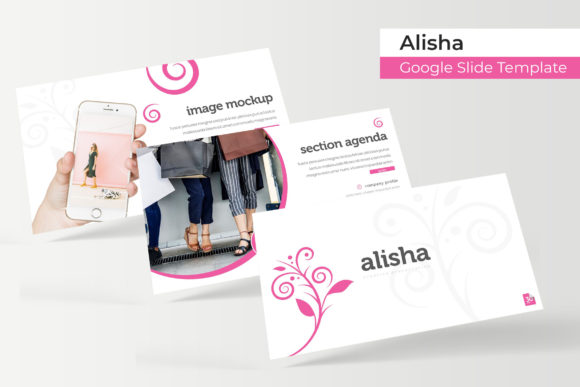
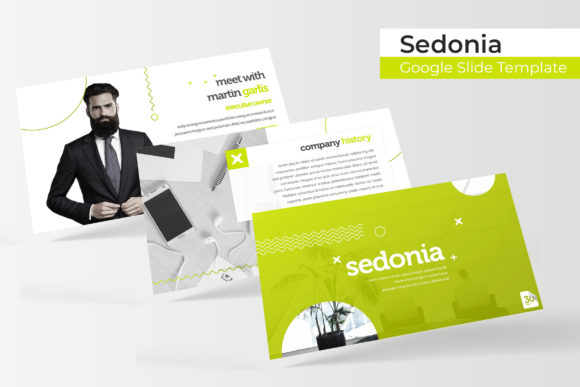
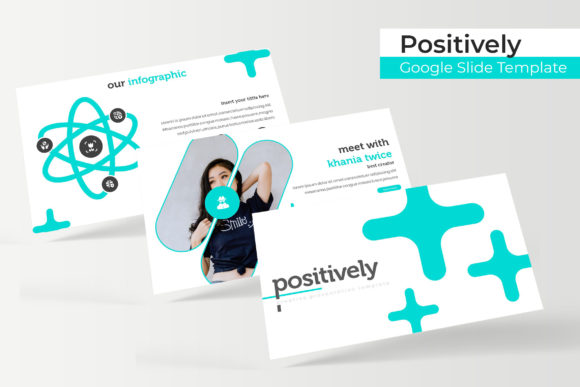
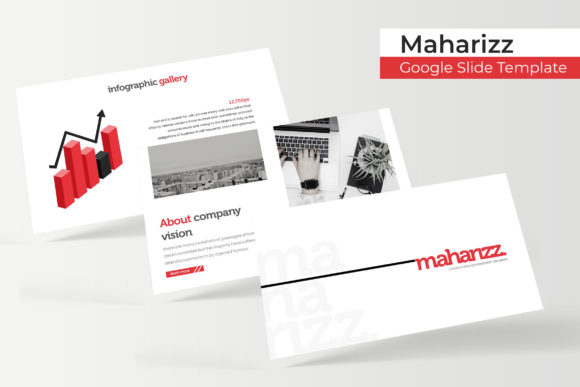
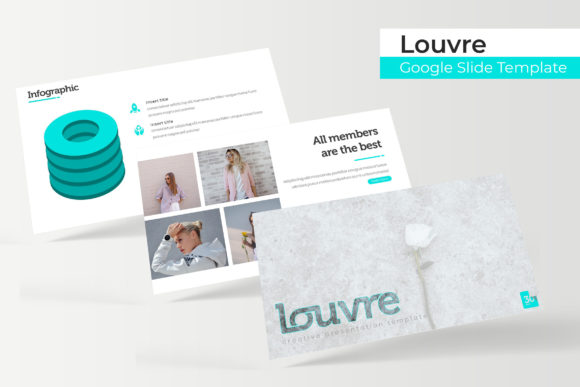
What makes a presentation feel professional isn’t just pretty pictures; it’s consistent visual language. The Louvre template provides this through its 150+ total slides, organized into five distinct, premade color palettes. Each color variation contains 30 meticulously crafted slides, ensuring you have a cohesive starting point for any brand or mood. This isn’t just a collection of layouts; it’s a design system. By working from master slides, every element—from fonts to color schemes—updates globally, guaranteeing visual consistency across your entire deck. This systematic approach is crucial for building brand recognition, whether you’re presenting to investors or teaching a workshop.
Practical Design for Real-World Projects
The true value of any design asset is its utility. The Louvre template excels here with features tailored for practical use. The handcrafted infographics transform complex data into digestible, engaging visuals, perfect for quarterly reports or marketing analytics. Dedicated section break slides provide clear visual pauses, guiding your audience through the narrative. For creatives and agencies, the gallery and portfolio slides are a standout, allowing you to showcase work in a clean, impactful grid that respects your imagery.
Efficiency is built into the template’s DNA. The resizable and editable graphic picture placeholders use a simple drag & drop function. Need to swap a product image? Just drag your new photo onto the placeholder; it automatically crops and fits to the pre-designed frame. This saves immense time and eliminates the guesswork of alignment and sizing. The pixel-perfect illustrations and icons are vector-based, meaning they stay crisp at any size, adding a layer of polish that elevates the entire presentation.
Integrating the Louvre Template into Your Workflow
This template is more than a slide deck; it’s a versatile design tool. Consider these applications:
- Brand Identity & Marketing: Use the consistent color schemes and typography to create sales decks, internal training materials, and pitch decks that all feel unmistakably “on brand.”
- Content Creation: Bloggers and course creators can structure lesson modules, webinar slides, and social media carousels directly from the template, maintaining a professional aesthetic across platforms.
- Business Operations: From project proposals and quarterly reviews to investor updates, the structured layouts help communicate complex information with clarity and professionalism.
- Creative Portfolios: Photographers, designers, and artists can utilize the gallery slides to present their work in a curated, museum-like setting that impresses clients.
The package includes everything needed to start immediately: 5 PPTX files (standard and widescreen), a helpful Readme First guide, and links to download the free fonts used. It’s important to note that while the template provides the structure and design, the preview photographs are for illustration only and are not included, allowing you to fully customize it with your own assets.
Maximizing Impact: Tips for Effective Use
To get the most out of the Louvre template, focus on these best practices:
- Choose Your Color Palette Intentionally: Don’t just pick a favorite. Select the premade color variation that best aligns with your project’s tone or your brand’s existing brand identity. The five options offer range from classic and corporate to vibrant and modern.
- Leverage the Master Slides: Before diving into individual slides, take a moment to explore the master slide view. This is where you can globally adjust fonts, colors, and logos, ensuring every slide in your deck updates automatically. This is key for maintaining that professional presentation feel.
- Pair with Purpose: While the template includes font recommendations, understanding basic font pairing can enhance your work. Use the suggested serif or sans serif for body text for readability, and consider a complementary display font for headlines if your brand calls for it.
- Customize, Don’t Just Populate: Use the slides as a starting framework. Adjust the layouts, reorganize sections, and make it your own. The strength of the template is in its editable graphics and flexible structure.
Ultimately, the Louvre Google Slide Template is about removing design barriers. It provides a premium font and illustration ecosystem within a presentation tool you already use, helping you produce marketing assets, educational materials, and business documents that look thoughtfully designed and professionally executed. It’s a practical investment for anyone who values their time and the visual impact of their communication.